The Sandbox recently pulled back the curtain on its in-development Studio editor during a live Twitch demonstration, with executive producer David joined by game designer Phil and senior technical artist Matt. The session, unscripted and occasionally chaotic, offered a genuine look at how AI-native tooling is changing the day-to-day workflow of building games, particularly for designers not traditionally hands-on with code.
An Editor Built Around a Conversation
Sandbox Studio is built on Three.js, but its defining feature is an AI agent panel sitting alongside the traditional editor view. Creators can work with agent interfaces like Cursor or Codex — the team keeps the platform IDE-agnostic — to modify scenes, actors, and components through natural language rather than manual scripting.
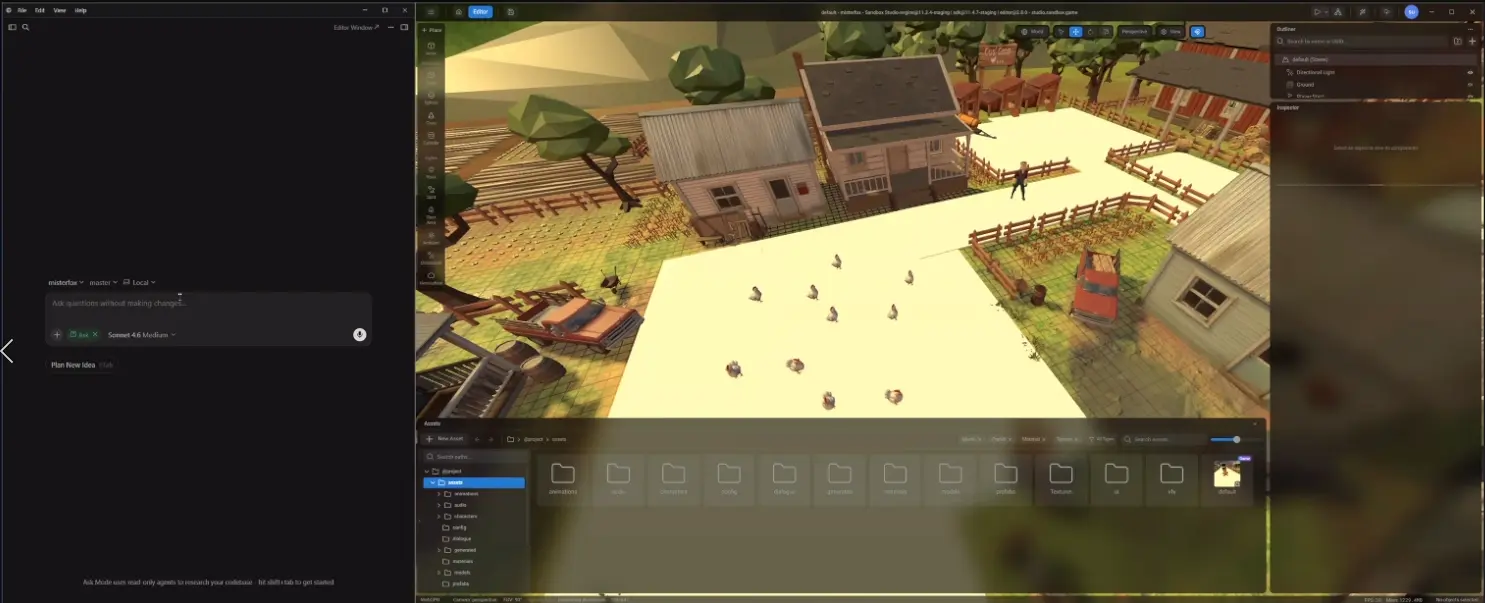
David demonstrated this with an in-progress project, “Outfoxed,” a point-and-click game about a fox chasing escaped chickens. Rather than building systems by hand, he described what he wanted — a chicken actor with wandering, fleeing, and alert states, plus idle durations and wander distances — and the agent generated the actor and behavior components directly in the editor, with editable variables in the inspector. New chickens could then be typed into the editor like any other asset.
Onboarding starts with templates built around what the team calls the “three Cs” — character, camera, control — covering genres like first-person shooters, third-person games, vehicle titles, and even VR. The intent is for these base templates to expand into subgenre-specific packs bundling assets, skills, and mechanics, so a side-scroller template could become the foundation for a Metroidvania.
Design Documents as the Starting Point
Both David and Phil stressed that the workflow begins away from the editor, with a design document. David works through feature ideas with his coding agent, using its Q&A process to sharpen a concept before building. Phil favors a different route: iterating on ideas with ChatGPT, asking it to pose one question at a time until a document takes shape, then feeding the plan into Cursor.
Phil’s live example was “Sword of Lawn,” a roguelite prototype born from the impulse to “cut grass in Zelda with a sword.” Built largely through Sandbox’s MCP integration, the entire early scene — grass variants, obstacles, coins, the exit — came from a single conversational prompt listing the objects needed. From there, Phil worked step by step: asking the agent what the next milestone should be, agreeing to a plan (a results screen, upgrade cards, a shop, then the next field), and letting the agent implement it before testing the result live on stream. It worked largely as planned, with functioning upgrades and a coin shop.
Phil was explicit about resisting the temptation to “one-shot” entire games from a single prompt, a trend he sees often online. His preferred method is modular: build a core loop, refine it fully in conversation with the agent, confirm it works, then move to the next system. Both designers argued this produces less generic results and makes debugging tractable — building everything at once tends to leave several broken systems tangled together.
Generating Art and Assets on the Fly
A second major capability on display was Sandbox’s built-in AI art generation suite. Rather than generating assets itself, it routes prompts to third-party image models (Gemini and GPT Image were both mentioned) and includes a “magic prompt” feature that expands a rough description into a fuller one before generation. David used it live to produce a cartoon cow character, then converted the 2D image into a 3D model for placement directly in the scene.
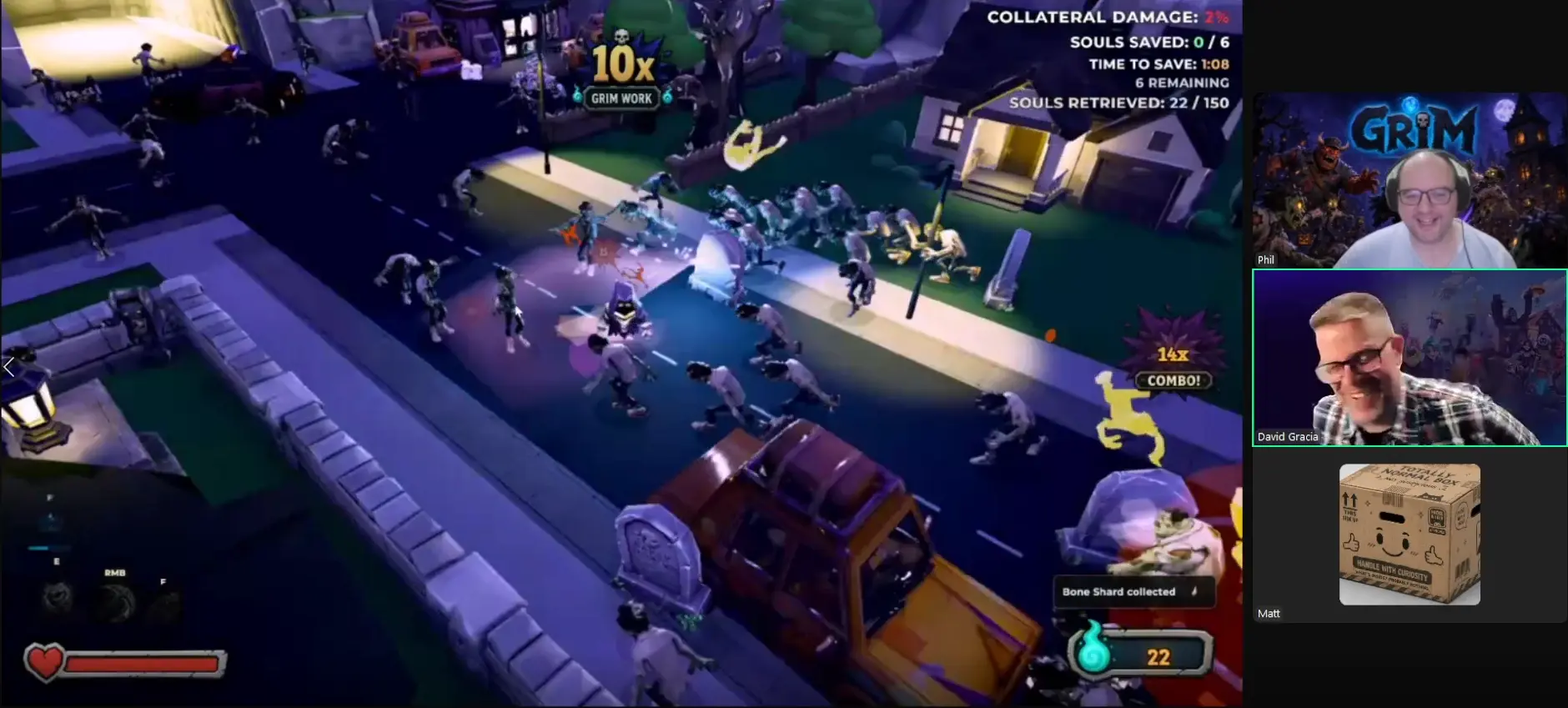
Matt, the technical artist, showed a complementary path: sourcing free, appropriately licensed (Creative Commons Zero) 3D models from sites like Sketchfab, then customizing textures with the same AI tools. Phil described a similar pipeline built around Meshy, the 3D generator he used for nearly every model in an earlier project, “Grim”: generate a full-resolution model first, then re-mesh it down to the target polygon count — a method he found more reliable than generating low-poly assets from scratch. Both also demonstrated Sandbox’s asset-naming conventions, a lesson learned after struggling to locate generically-named objects in that project.
Different Roles, Different Workflows
The stream highlighted a genuine split in how team members use the tools. David and Phil, both designers by background, lean almost entirely on conversational prompting, treating the agent as the primary interface for building systems. Matt, by contrast, prefers working hands-on inside the editor’s traditional UI — closer to familiar tools like Unreal or Unity — while still using the agent for complex or unfamiliar tasks, including asking it to explain how to perform an action manually, partly to manage token costs.
Model choice varied by task and person. Phil described using GPT-5 for planning and Claude Sonnet for implementation, while Matt reported the opposite instinct — leaning on ChatGPT for encouragement-heavy ideation and Claude for blunter, critical feedback. Both agreed Opus tends to be the fallback for stubborn problems other models can’t resolve.
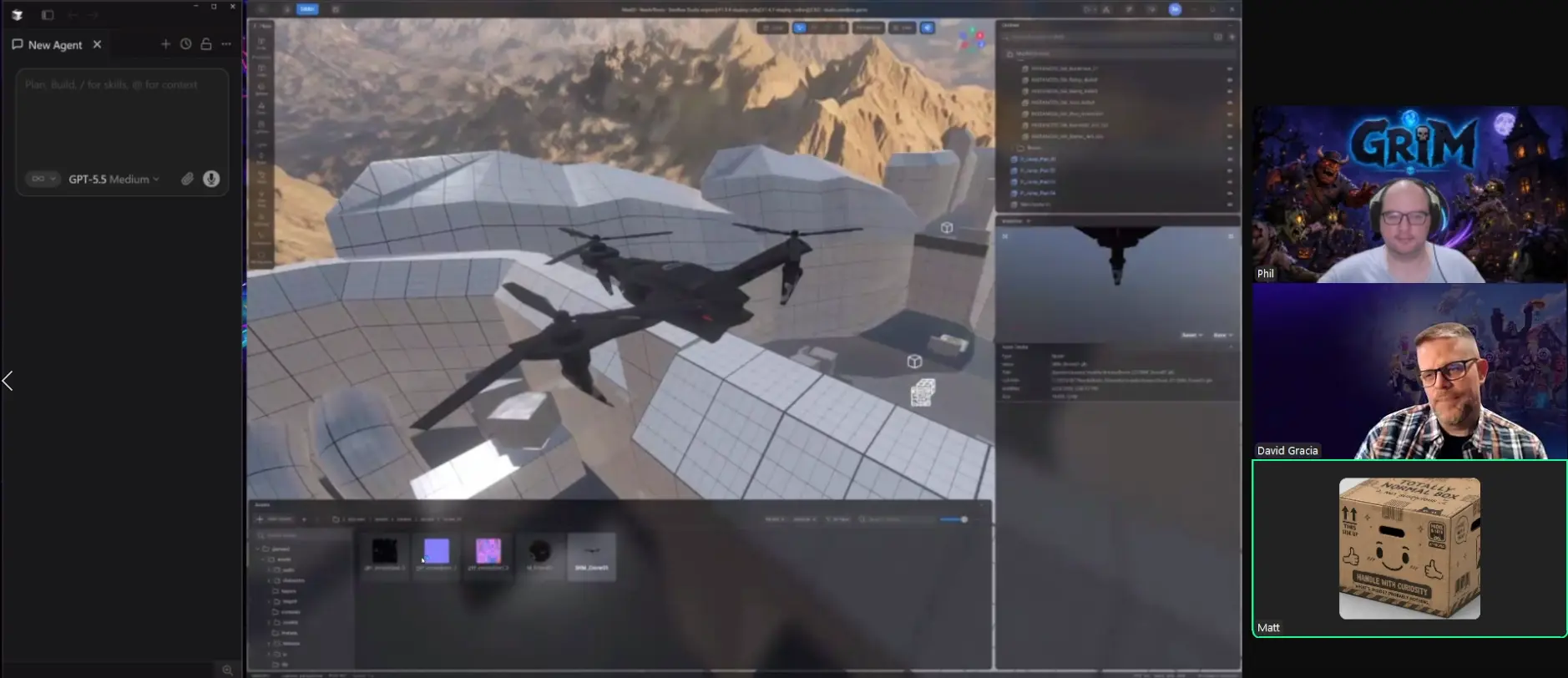
Matt’s own live build — a spectator-mode drone feature dictated almost entirely via voice-to-text, described as speaking to the agent “like a caveman” — took a single ambitious prompt and, despite garbled transcription, produced a working, camera-following, WASD-controlled drone pawn with a weapon within the stream’s runtime.
The Bigger Picture
Underpinning the demonstration was a consistent theme: Sandbox Studio compresses the distance between a raw idea and a testable prototype, letting designers validate concepts — including, as Phil put it, “crazy ideas at 2 a.m.” — without a programmer or a lengthy R&D cycle. David noted bosses and vehicles that would traditionally take a team days can now be generated, animated, and scored with AI-composed music in under an hour.
The editor remains in alpha, with roughly ten external creators testing it and a wider release planned later this year. The team’s stated goal is to hand new creators as much of a head start as possible — templates, packs, shared assets — so they can spend their time on design decisions, not rebuilding common systems from scratch.
Watch the full video on Twitch
Play the games featured in this article:
Grim: play on Sandbox Studio
Vendetta: play on Sandbox Studio